

Output choices
MP3, M4A, AAC, FLAC, ALAC, WAV, AIFF, OGG and Opus.
 OmniCodecPro
Audio Converter
Coming to Mac
Universal audio conversion for macOS
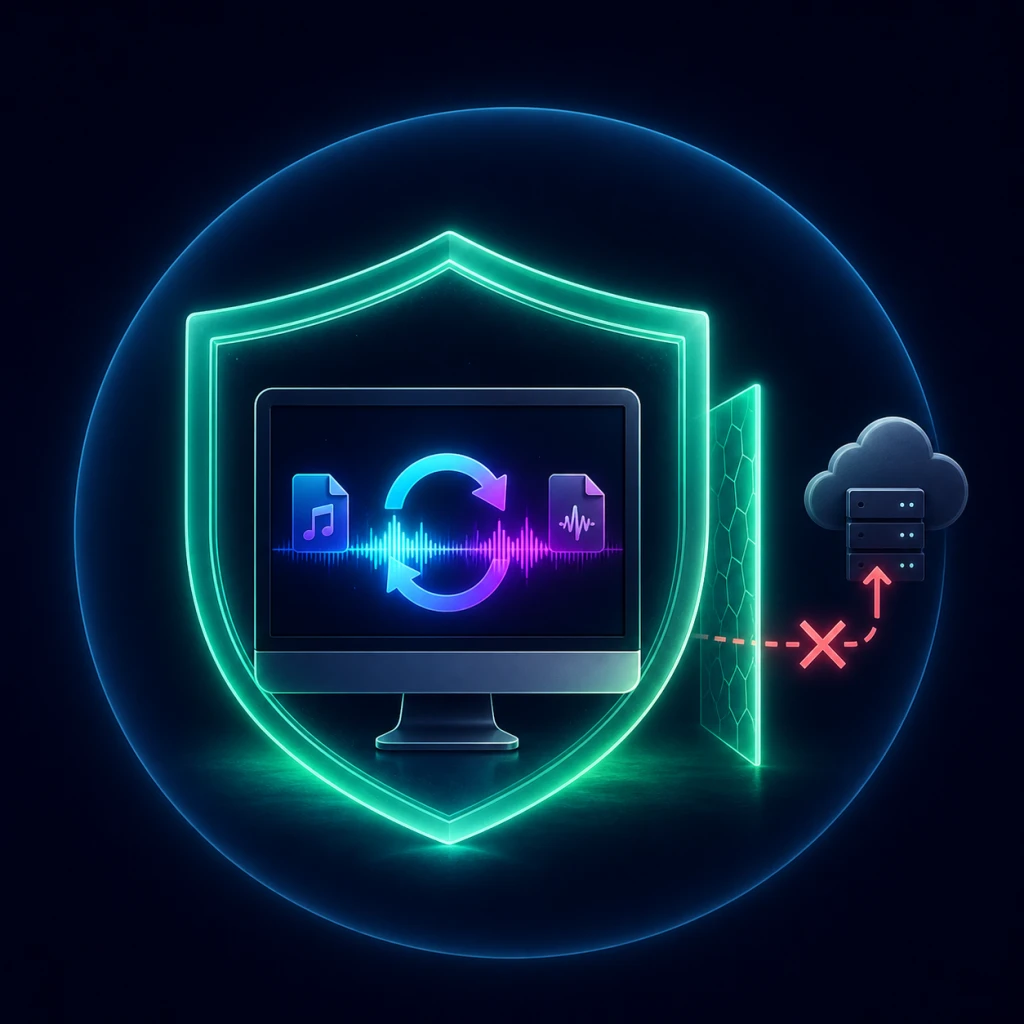
Stop uploading your music to unknown “free” converter sites. Many free tools require a server upload, where retention and security practices may be unclear. OmniCodecPro converts audio and extracts sound from video directly on your Mac—helping keep private recordings, unreleased tracks and client media under your control.
Made for macOSNative desktop workflow
Private by designNo media uploads
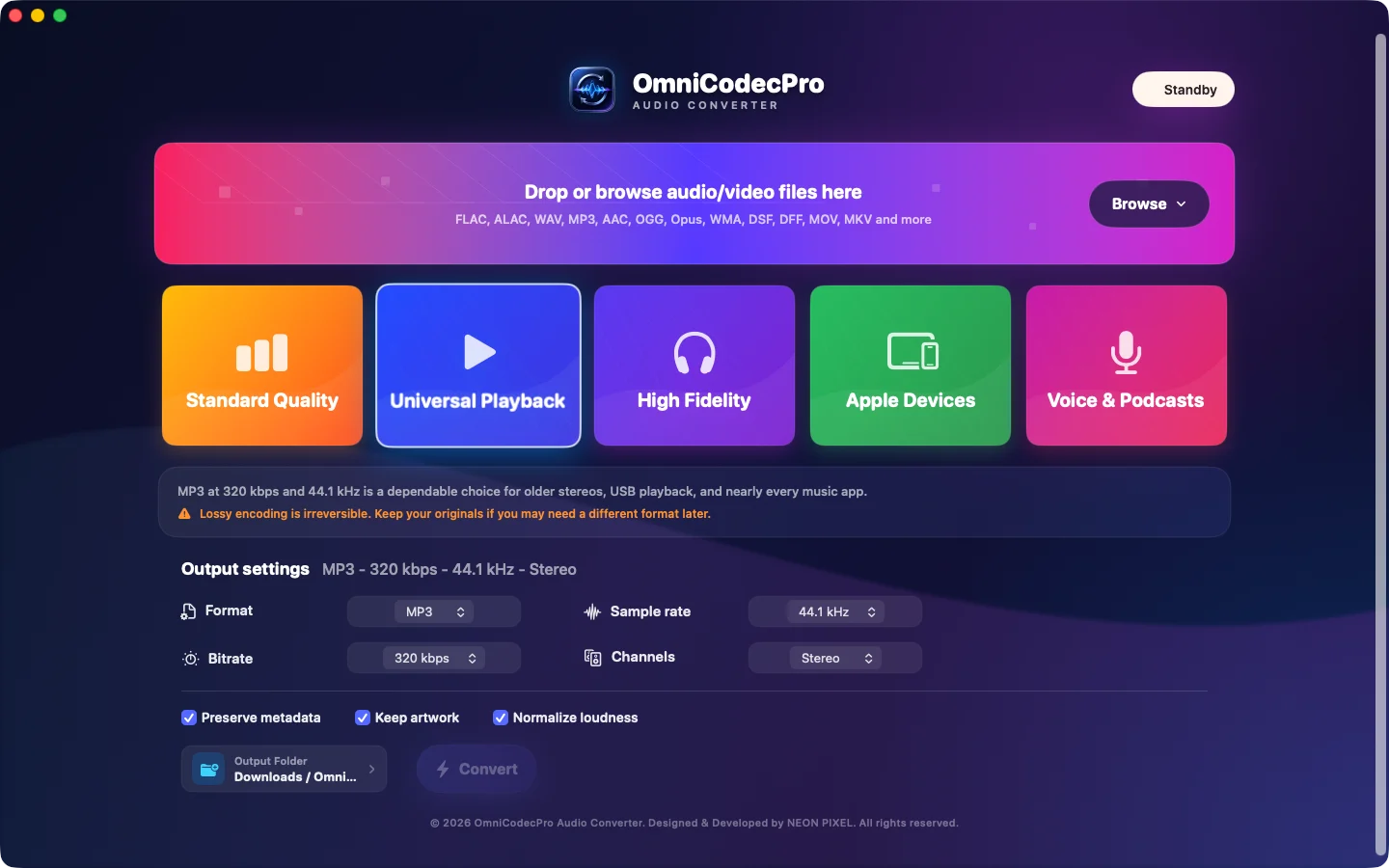
Five intelligent starting points
Each preset sets the format, bitrate, sample rate, bit depth and channels for a real-world listening need. Every setting remains yours to adjust.
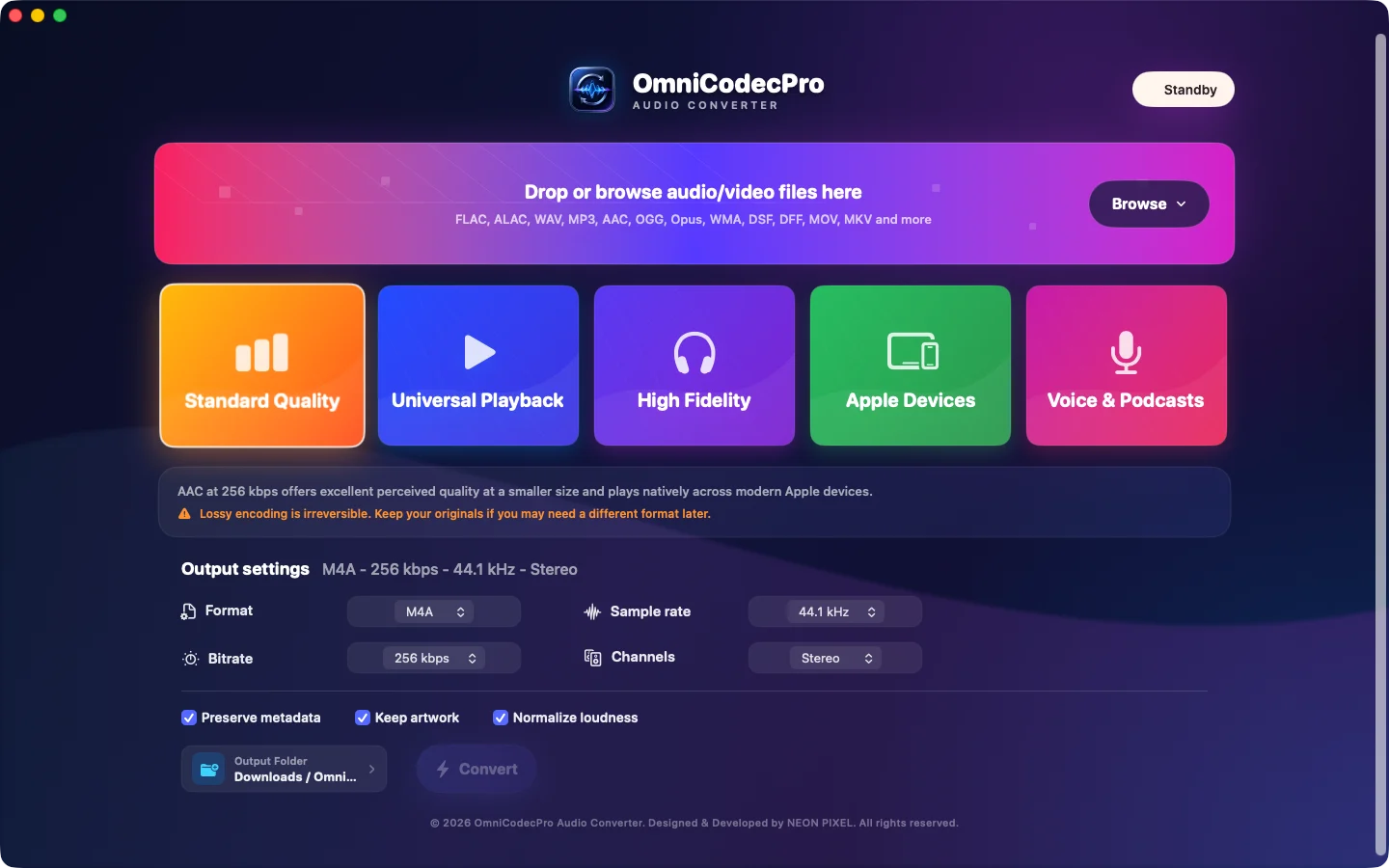
From source to sound
OmniCodecPro keeps the whole conversion flow visible, understandable and under your control.
Add audio or supported MOV, MP4 and MKV video files. The queue builds automatically.
Start with one of five clear presets, from compact speech to high-resolution archives.
Set format, bitrate, sample rate, bit depth, channels, metadata and loudness options.
Choose a folder or mounted disk, then process the entire queue in one focused pass.
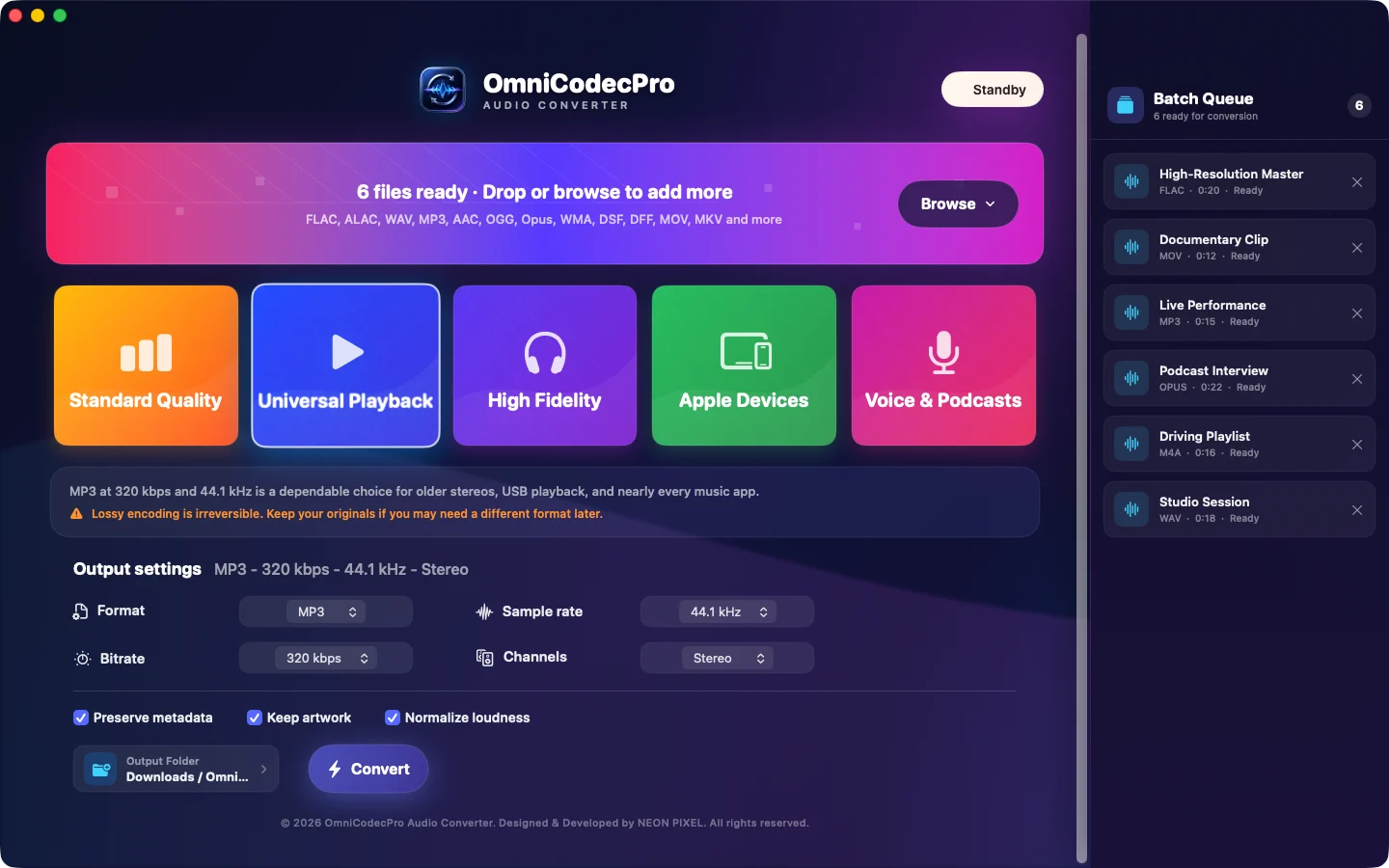
Batch queue
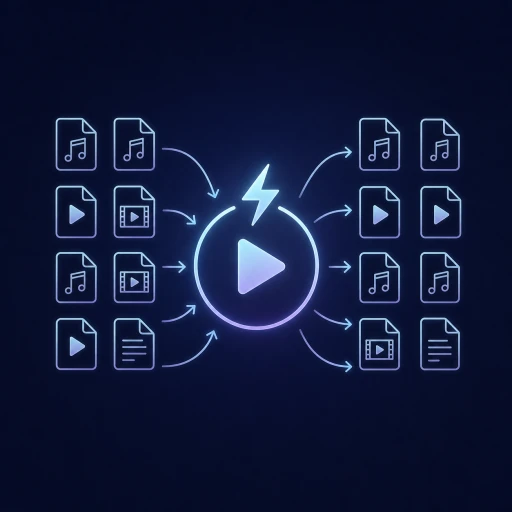
Build a queue from mixed audio and video sources. See each file’s format, duration and status before conversion begins.
Precision when it matters
Presets get you moving. Expert controls let you match a device, production target or archival standard exactly.
MP3, M4A, AAC, FLAC, ALAC, WAV, AIFF, OGG and Opus.
Choose standard music rates or preserve demanding high-resolution sources.
Keep the original layout, standardise stereo or optimise spoken audio in mono.
Retain high bit depth or apply appropriate dithering when reducing to 16-bit.
MetadataPreserve compatible tags
ArtworkKeep cover images
LoudnessNormalise playback level
DitheringProtect 16-bit detail
See it in motion
Watch OmniCodecPro move between everyday, lossless, Apple and speech workflows—then complete a batch conversion.
Private, not uploaded
Many free online converters require you to upload files to a third-party server. That can expose private recordings, unreleased music or client media to retention, security and misuse risks.
OmniCodecPro converts supported media directly on your Mac. No upload is needed, no account is required and your source files remain under your control.
Think before you upload. Avoid services that do not clearly explain how your media is stored, used and deleted.
Read the privacy policy
Coming to the Mac App Store
Choose a dedicated local converter instead of repeatedly sending your music through unknown free services. OmniCodecPro is being prepared for release—check back soon to get it from the Mac App Store.
Mac App Store · Coming soon